
Focusrite Control 2 iOS and Android apps now support Scarlett 3rd Gen, Clarett+, and more
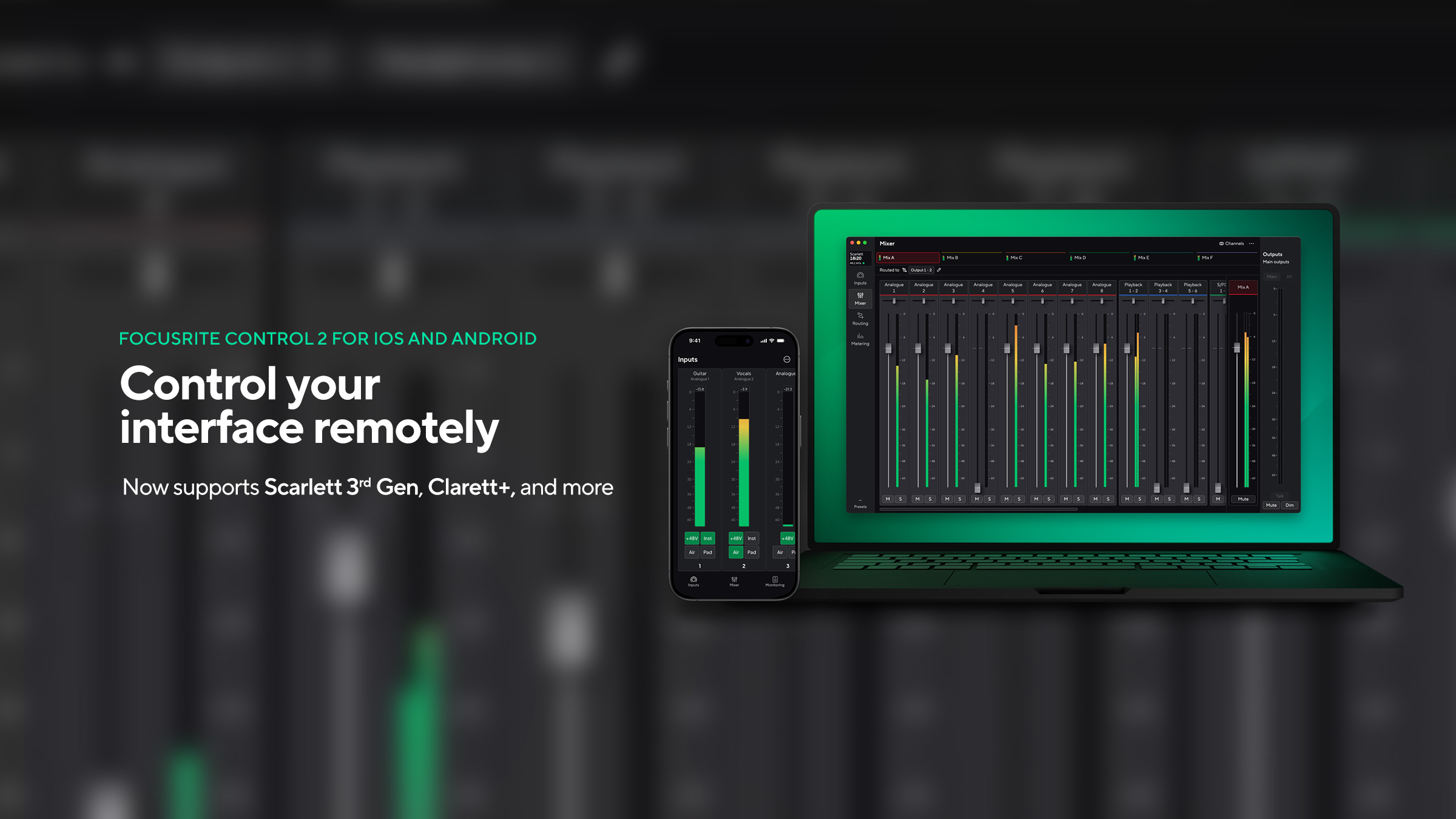
The Focusrite Control 2 iOS and Android apps have been updated to add support for Scarlett 3rd Gen, Clarett+, Clarett USB, and selected Scarlett 2nd Gen interfaces, so you can control your interface remotely from your phone or tablet.
Mobile app support is now available for the following devices:
- Scarlett 3rd Gen
- Clarett+ and Clarett USB
- Scarlett 6i6, 18i8, and 18i20 2nd Gen
Download the Focusrite Control 2 app from the App Store or Google Play.
What’s new?
Mobile app support: Control your interface remotely with the Focusrite Control 2 iOS and Android apps, so you can make adjustments from your phone or tablet without going back to your computer.
- Take control of your headphone mixes: Dial in monitor mixes with control of level, pan, mute, and solo for each channel. When recording, performers can adjust their own headphone mix from their own mobile device, so they can stay focused on their performance.
- Monitoring within reach: Adjust output levels and other monitoring functions from wherever you’re sitting, which is handy when your interface is in a rack or out of arm’s reach. Available controls vary by device.
Install the latest Focusrite Control 2 app on your computer, then install the iOS or Android app on your phone or tablet to get started.
A note on the release
If you own a Scarlett 6i6, 18i8, or 18i20 2nd Gen, Scarlett 3rd Gen, Clarett+, or Clarett USB interface, and haven’t already done so, you’ll need to uninstall Focusrite Control first to use your device with Focusrite Control 2.
For a complete guide to getting started, visit the Help Centre.
If you’re having trouble connecting your device, read our guide to pairing devices with Focusrite Control 2 mobile.